TG CERBER · FOR BUSINESS
Protect the Telegram accounts your company runs on
Telegram has become working infrastructure. TG Cerber gives your company control over it.
PRODUCT
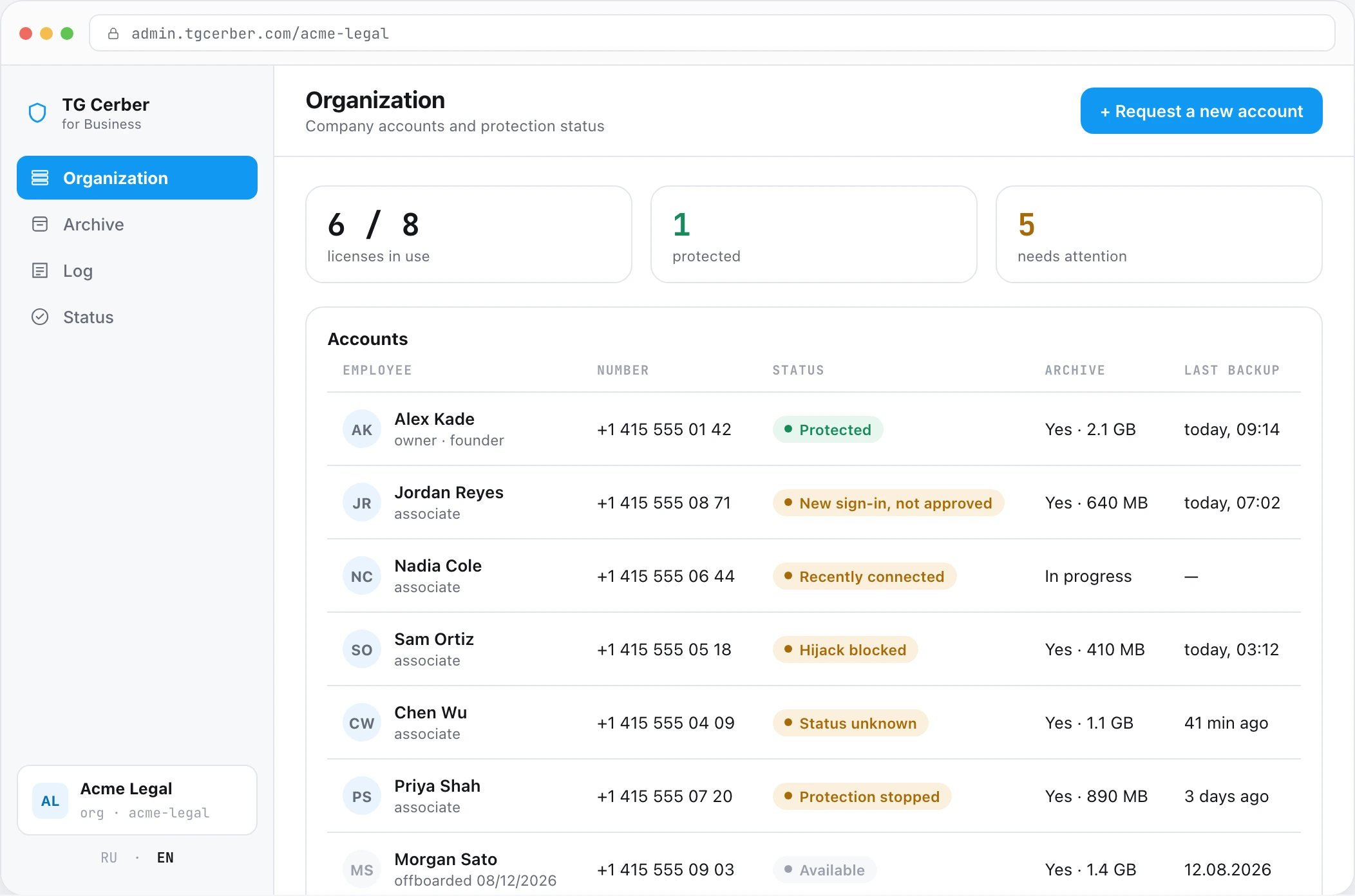
All of your company's Telegram.
In one console.
Protection, archive, corporate accounts and AI — under admin control.
WHY THIS MATTERS
Telegram became a work tool. Not a corporate one.
Teams use it for clients, money and documents — but it still lacks the basic control tools that have been standard in corporate email for years.
SESSIONS
Session protection
Who has access to a work account, and from which device.
HISTORY
Message archive
Conversations, files and client context must stay with the company.
CONTROL
Account management
The company must control access before, during and after an employee's tenure.
HOW IT HAPPENS
Accounts are taken — not through a password
The token of an already-authorised session is extracted from the device and moved to another. Telegram treats it as still being you.
Infected link or file
An invitation or contract downloads a stealer.
QR code scan
Scanning authorises their device.
Fake Zoom or Meet page
Instead of a call — a client update.
Bot asks for a code
The code it asks for logs them in.
Message from a contact
Their account was taken first, so you trust it.
SIM swap and wait
They take the number and start a reset. Seven quiet days.
PRODUCT
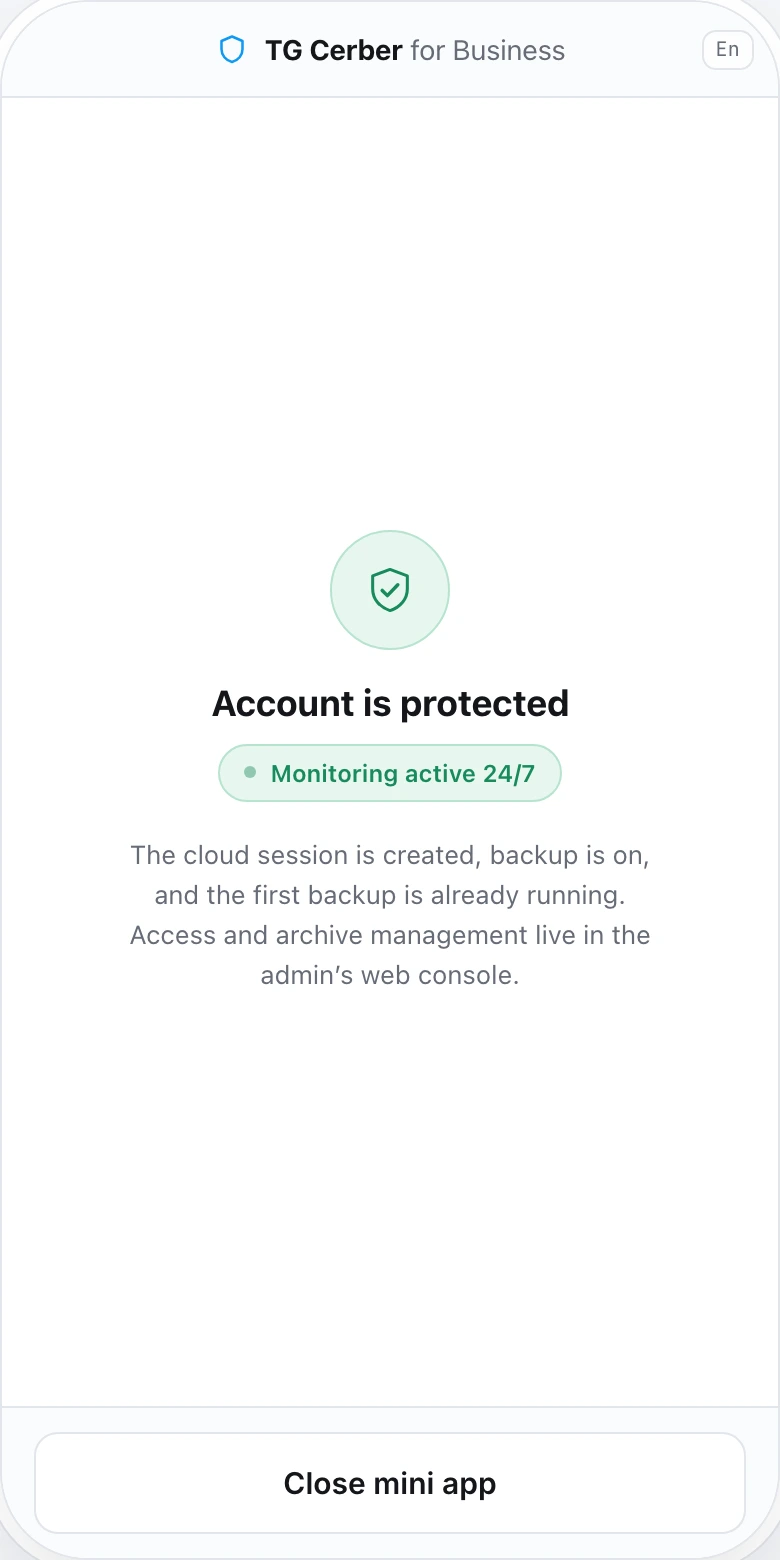
An employee connects themselves.
In five steps.
Telegram mini app. Nothing to install.
- 01Organisation IDIssued by the admin together with the invitation
- 02Phone numberThe one the employee uses
- 03Confirmation codeSent in Telegram
- 04Cloud passwordIf two-factor protection is enabled
- ✓Account protectedMonitoring runs 24/7. Status visible in the mini app.
BOUNDARIES
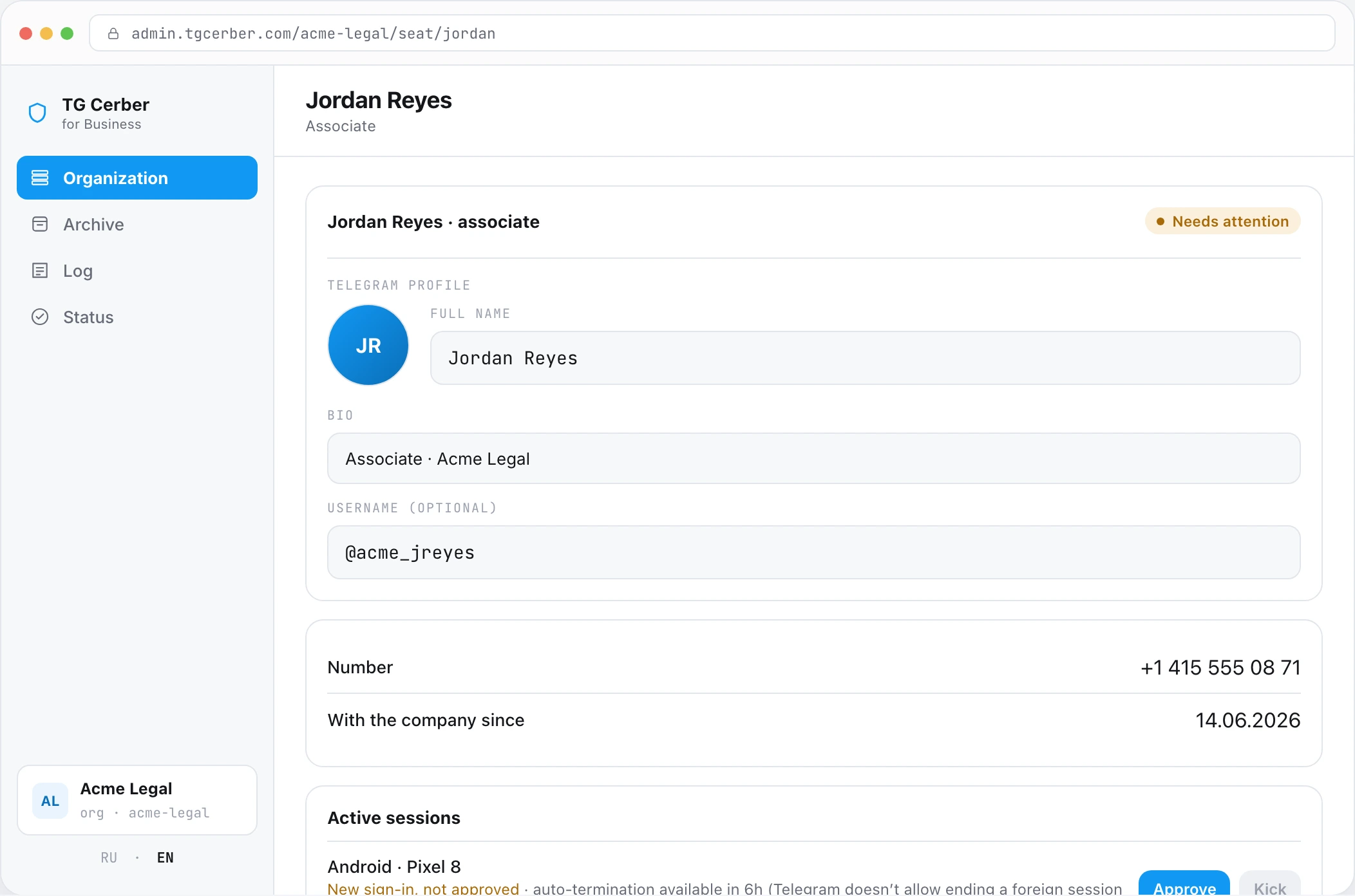
You open the archive.
You switch off the session.
Access to the archive stays with your company. The live session runs within defined boundaries, is always visible and is terminated by you.
ARCHIVE
LIVE SESSION
Access — through your console
No separate passwords.
Works within defined boundaries
A fixed set of operations only.
Who gets in — your decision
The archive can be opened to AI or kept closed.
Always visible. Switched off by you.
The session appears among devices and is terminated in one action.
DEPLOYMENT
If data must not leave your perimeter
On request, we deploy the TG Cerber infrastructure on the company's own servers. The archive, keys and sessions stay inside your perimeter.
Discussed individually at the implementation stage.
HOW THE WORK STARTS
Four steps to a
protected team
Identify the critical accounts
We select the employees and accounts to protect first.
Configure for the company
We agree on access, the archive and working rules.
Connect the team
Employees connect themselves. Nothing to install.
Verify protection
We run a controlled test and record the result.
Let's start with your team
We'll show TG Cerber on your scenarios and identify which accounts to protect first.
FAQ
Questions and answers
For corporate accounts, yes — and that's the point of them. A corporate account belongs to the company, so the admin panel gives the company access to its data, including client history. Personal accounts are different: we don't connect them to the corporate setup. The company issues corporate accounts, and the boundary is clear to everyone from day one.
Owning the number decides whose account it is. It doesn't stop a session token from being stolen off a device, and it doesn't remove a departing employee from two hundred client groups. TG Cerber closes both: an enclave watches the session, and offboarding is one action instead of a week of manual chat exits.
Personal Protector and Vault are built on the principle that only the owner sees the content. The corporate version works differently: the account belongs to the company, the archive is a corporate asset.
No. It starts with a small group of critical accounts. Usually the first circle is a handful of people, up to ten.
TG Cerber tracks the parameters of active sessions. If the same session shows up on another device — that is the signature of a move. That session is terminated automatically, without waiting for confirmation.
The admin disconnects access from the console in one action. The account, number and message archive stay with the company.
For example: what was discussed with a client last quarter, or what is known about a deal before offboarding. Connect one archive or the whole organisation — disconnect at any moment.
It complements, not replaces. TG Cerber covers the layer of Telegram sessions themselves, including a move of an already-authorised session that bypasses 2FA. No need to change your existing stack.
Message us on Telegram. We will identify the critical accounts, agree on requirements, connect protection and verify it in a controlled security drill.