1 · A new login
TG Cerber notices the new session and asks you to confirm the device. If the login is not confirmed, the session is terminated automatically.
Continuous Protection
Protector guards against both new unconfirmed logins and theft of an already-active Telegram session. While you sleep, fly or simply are not looking at your phone, TG Cerber watches for new sessions — and for a device change on a session that is already authorised.
Two protection loops
The threat comes from two directions, so Protector covers both.
TG Cerber notices the new session and asks you to confirm the device. If the login is not confirmed, the session is terminated automatically.
If an already-authorised session is moved to another device, TG Cerber recognises the device change and terminates the session automatically.
The main scenario
Confirm the login and add the device to your Trusted Devices if it is you. If the login is not confirmed, TG Cerber starts terminating the session according to the rule you set and within the limits Telegram allows.
Process diagram
A new session appears in the account
TG Cerber checks it against the list of Trusted Devices
A request arrives: is this you?
No confirmation — TG Cerber starts terminating the session.
What protection does
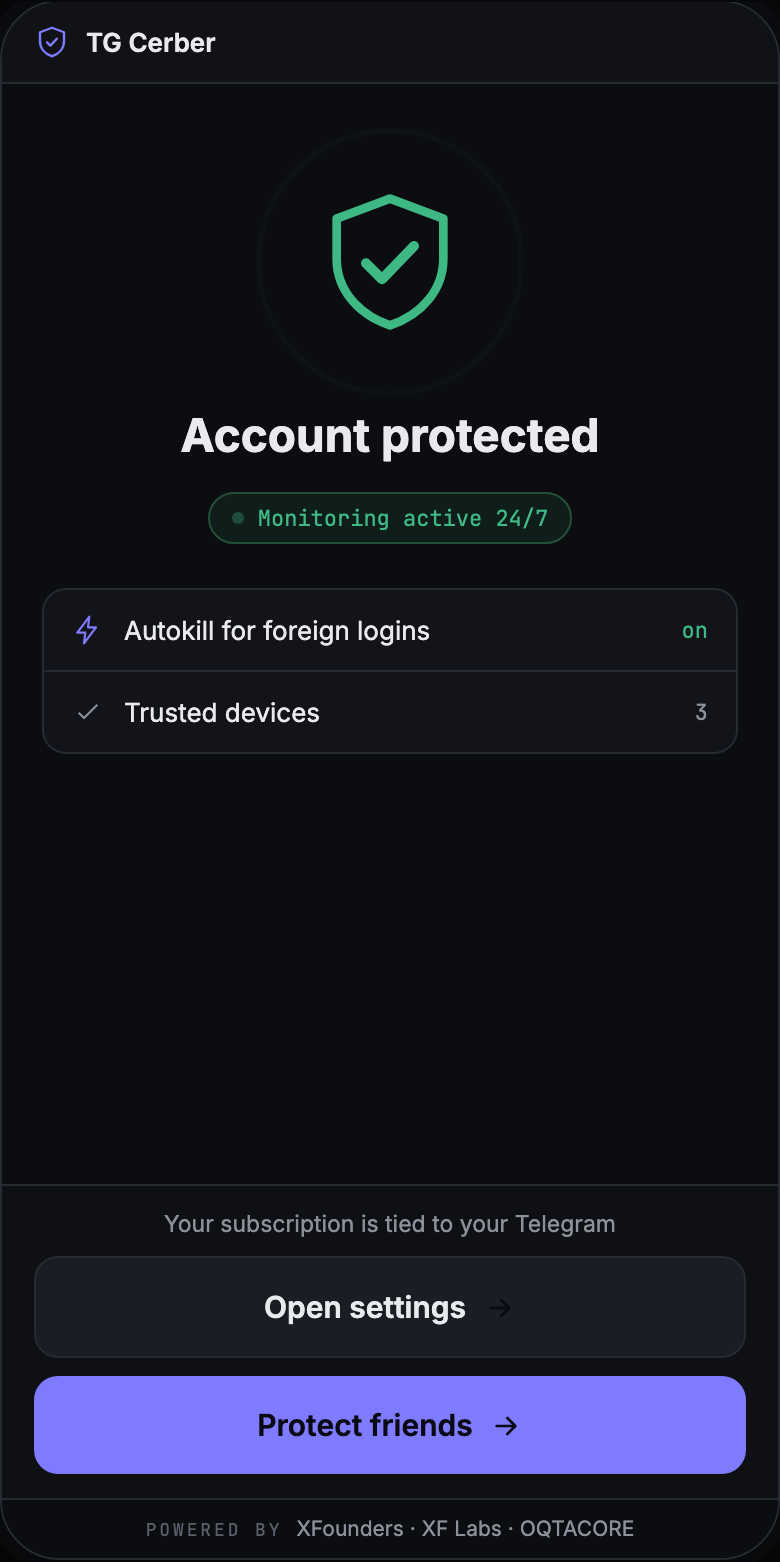
Protection notices a new session appearing and checks it against your Trusted Devices.
Your phone, laptop and browser are marked once and stop raising questions.
Every unrecognized login raises a request rather than a silent action.
Every session and every decision is recorded in the app's history.
Platform limitation
The protection session is itself a new Telegram session. Until 24 hours have passed since its login, Telegram does not let it terminate other sessions: this is a platform rule and it applies to every client. That is why protection is worth connecting in advance rather than during an incident.
Comparison
Plans
The free check needs no subscription. A subscription is what turns on Continuous Protection.
from $15/mo
from $79/mo
The check runs in the Telegram Mini App; Continuous Protection runs through the TG Cerber app for iOS and Android. The app is installed after the subscription is set up.
The check shows your Active Sessions and the state of your protection. Continuous Protection can be connected afterwards.
FAQ