A separate organization key
The archive is stored encrypted. Opening it requires your organization’s archive password.
TRUST CENTER
Cerber monitors your work Telegram accounts and saves conversations in an encrypted archive. You manage your team’s access and choose how to connect your AI tools.
14 days · Protect + Archive · up to 5 accounts and 75 GB · no card required
Cerber is an independent service and is not affiliated with Telegram.
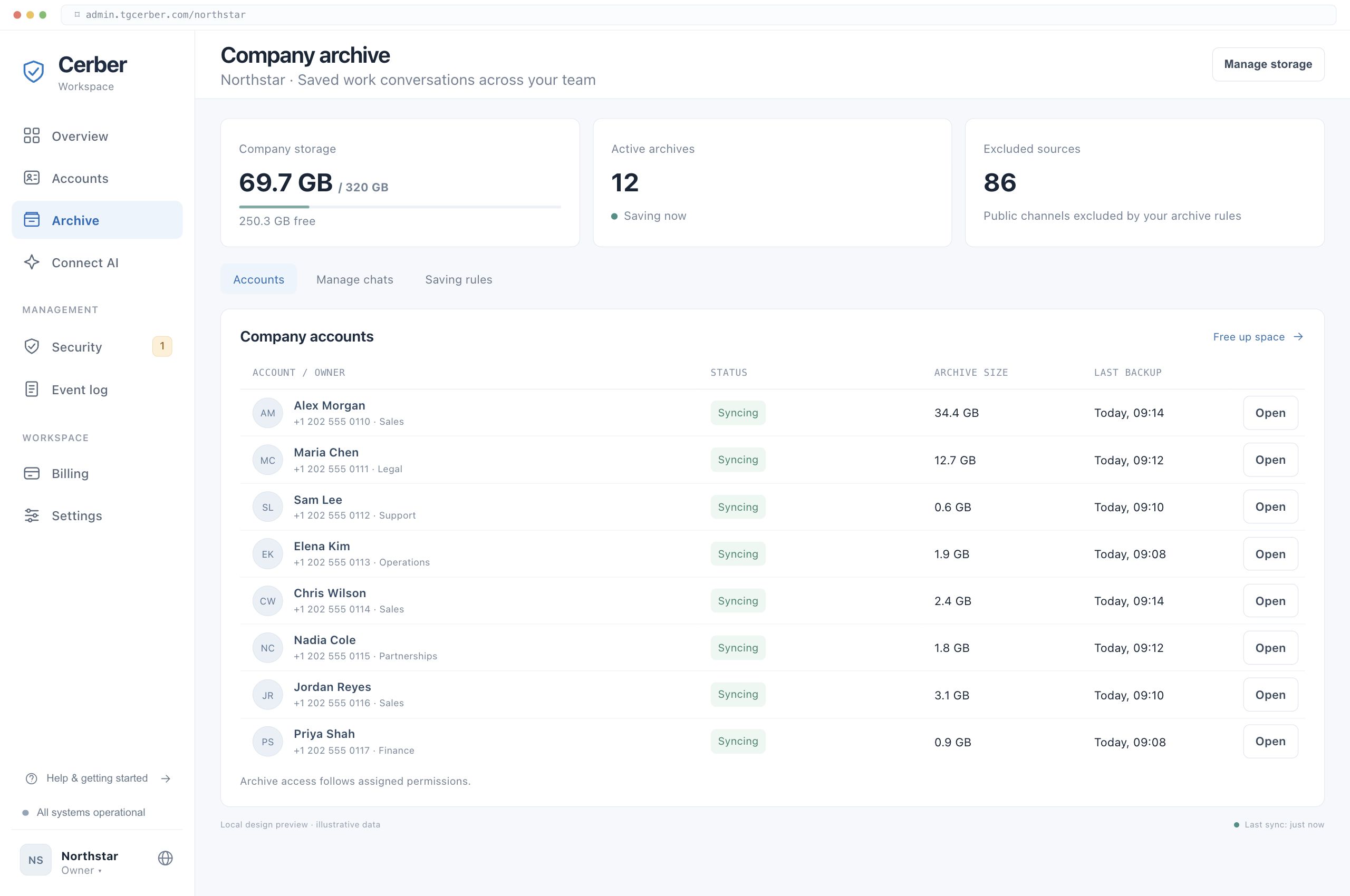
The archive is stored encrypted. Opening it requires your organization’s archive password.
Reading conversations, managing accounts and receiving login codes are separate permissions.
MCP gives saved data to the AI you choose. Where decryption happens depends on the connection mode.
01 · TELEGRAM ACCESS
Cerber connects as an additional Telegram session, visible in the account’s device list. Telegram gives an authorized session broad permissions. Service settings and user permissions limit access within Cerber.
| Feature | Data used | Purpose |
|---|---|---|
| Protect | Active sessions and account security settings. | Monitor new connections, notify users and apply configured protection rules. |
| Archive | Available history of connected chats, messages and supported attachments. | Keep work conversations and find the records you need. |
| MCP | Data already saved in the archive, within the issued access scope. | Answer requests from your AI. The archive interface is read-only. |
Disconnecting Cerber from an account stops monitoring and new imports. Data already saved remains in the organization’s storage.
02 · STORAGE AND KEYS
Protecting a Telegram session and encrypting an archive serve different purposes.
Monitoring runs in an isolated environment. Keys and Telegram sessions are protected separately from the management interface, limiting access from other service components.
The archive is stored encrypted, with a separate key for each organization. Access to saved objects without the corresponding key does not reveal their contents.
When you view the archive in the console, decryption happens in your browser. The archive password unlocks the organization’s key. For MCP, you choose a local or cloud connection separately.
Your organization controls the archive password. Keep it in your corporate password manager and assign responsibility for access. A forgotten archive password cannot be recovered.
03 · ORGANIZATION PERMISSIONS
The administrator’s role and assigned work accounts determine which archives they can access in the console. Reading conversations, managing sessions and receiving login codes are separate permissions.
Agree with employees which work accounts the company connects and which data it retains.
For accounts mixing personal and work conversations, agree on the archive scope and permissions separately. Standard corporate-account rules should not be applied automatically.
Separate partner spaces without shared access require a distinct permission design. Discuss it before importing confidential data.
04 · AI AND MCP
Connect your AI to saved work conversations to find agreements, documents and client context. MCP is read-only. Your AI receives text and files on request; that data is processed under your chosen AI provider’s terms.
Decryption for MCP responses happens on your computer. The bridge receives encrypted objects and sends the result to your AI client. The archive password is used by the local process.
For companies that need archive decryption on their own side.
Data is decrypted on the server to answer your AI. The server uses the archive password; if you choose to save it, it is stored encrypted. Your organization selects this mode when setting up the connection.
For connecting compatible cloud AI tools without a local bridge.
Revoke an MCP connection through its token. After changing the allowed accounts, revoke the old token and create a new connection. This does not delete data already sent to an AI or keys already saved locally.
05 · DEPLOYMENT
The free trial runs in Cerber’s cloud. Companies using their own infrastructure can arrange a separate Enterprise deployment.
The Cerber team handles infrastructure and updates. You create a workspace, connect the accounts you need and manage access in the console.
The system, archive and keys are hosted on your company’s infrastructure. Together with your technical team, we define server requirements, backups, updates and support access. Scope and launch are agreed under Enterprise terms.
06 · DATA CONTINUITY
Archive saves available cloud-chat history and supported attachments. Secret chats, calls and content deleted before connection are not included.
For messages captured by the archive, earlier versions and deletion markers are retained. Versions from before archiving began cannot be reconstructed.
Saved records remain in the archive when access to Telegram is lost or an employee leaves. Access follows your organization’s permissions and subscription.
When Telegram is unavailable, new imports resume once the connection returns. Access to saved data depends on Cerber’s availability.
TEAM
Cerber is built jointly by XFounders, XF Labs and OQTACORE.

Business & Strategy

Development & Partnerships

Technology

Finance & Operations
FAQ
Start with the accounts you need in a free trial. To discuss security and deployment first, book a demo.
14 days · Protect + Archive · up to 5 accounts and 75 GB · no card required
The trial starts on your first platform sign-in after registration is complete. Connecting Telegram and importing the archive do not change that period.