Active Sessions
Every device and client that currently has access to the account.
Free Security Check
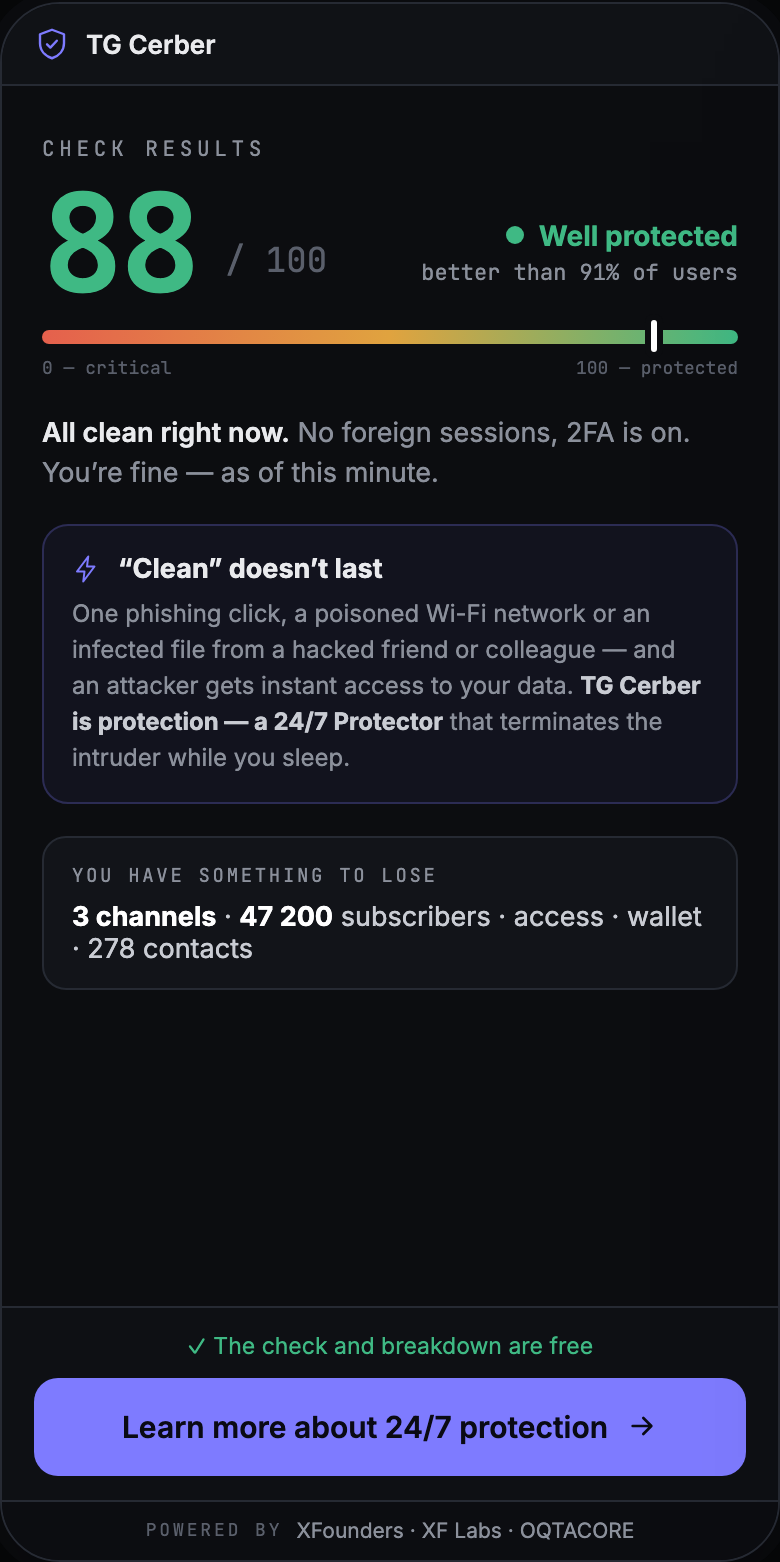
The check pulls your account's security state into one result: which devices are authorized, where Two-Step Verification stands, and what access you have granted to outside services. It takes about a minute and runs inside Telegram.
Scope of the check
Only what the check actually reads.
Every device and client that currently has access to the account.
The app, the time of login and last activity, and the region by IP.
Whether Two-Step Verification is on and whether a recovery e-mail is set.
Websites and services authorized through Telegram.
The channels, chats and subscribers that would be exposed if you lost control.
One score for the account's state, plus the list of what to close first.
More than a list of devices. The session list in Telegram settings is raw data: rows with no interpretation. The check reads them against the state of your protection and your connected access, flags what looks risky, and hands you a clear next step instead of a puzzle to solve yourself.
How it works
The check runs inside Telegram — there is nothing to install.
What temporary access means
Access boundaries
The check works with security parameters, not with the content of your chats.
The credentials for the temporary login are used only at the moment of connecting.
The check does not alter your account settings: first the result, then the decisions — and they are yours.
The check is free and runs inside Telegram. Straight after it you can see what to close first.
What's next
An incident happens while you are not looking — TG Cerber stays on watch 24/7.
FAQ