Project updates
Summarize decisions, blockers and next steps from project chats.
Example
Summarize this project’s discussions from the past two weeks. What was decided, and what is still unresolved? Include the relevant messages.
YOUR TEAM’S TELEGRAM, CONNECTED TO AI
Protect your team’s Telegram accounts, keep work history with your company, and connect your AI to the archive.
14 days, no card · Protect + Archive · up to 5 accounts · 75 GB
Solo from $39/month · 1 Telegram account · 250 GB.
How your data and AI access are handled

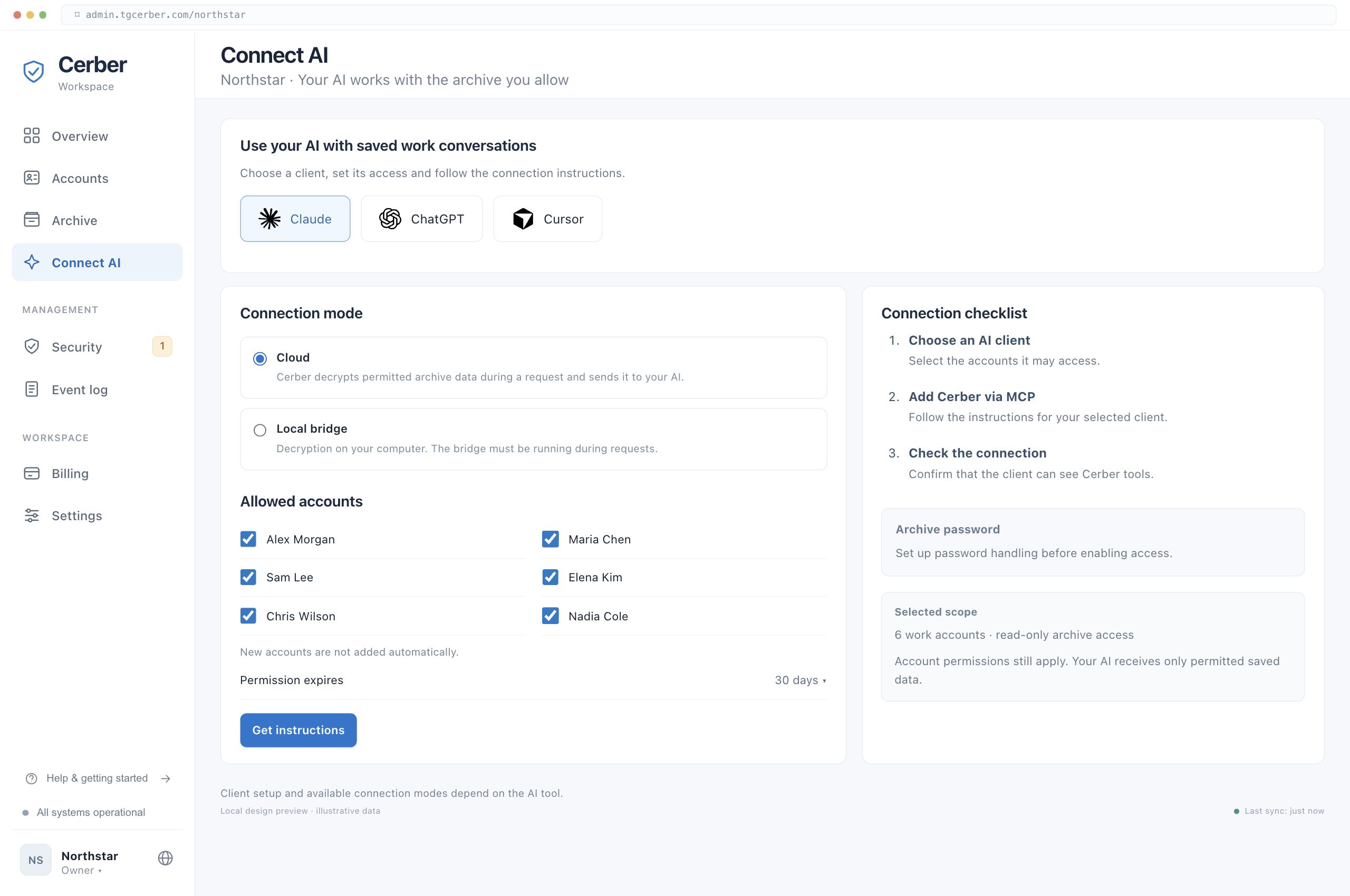
 Your AI via MCP
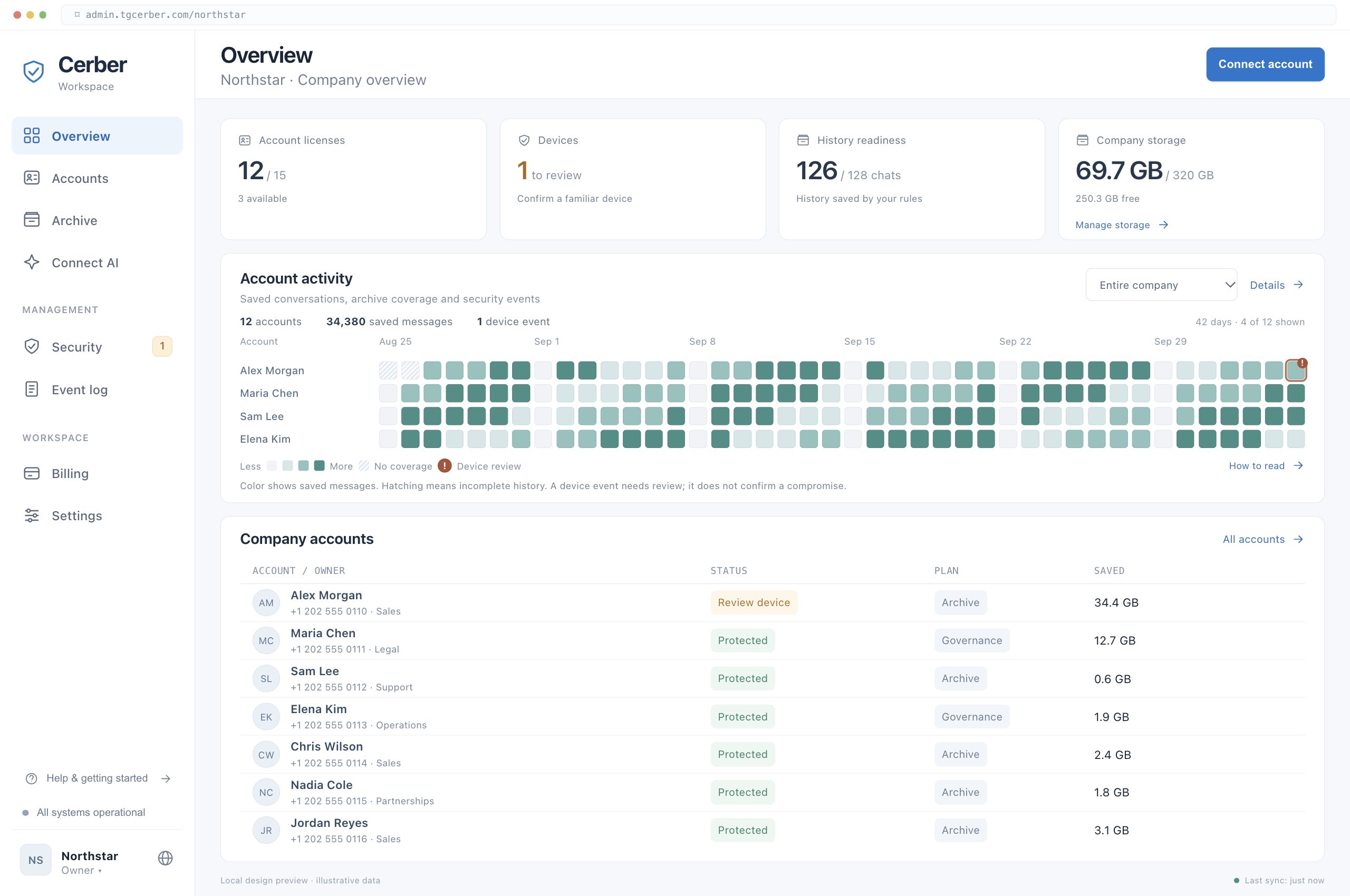
YOUR ARCHIVE, IN PRACTICE
Use your AI to find answers in saved work chats and files.
Summarize decisions, blockers and next steps from project chats.
Summarize this project’s discussions from the past two weeks. What was decided, and what is still unresolved? Include the relevant messages.
Find agreed terms and what changed in partner discussions.
What delivery terms did we agree with this partner? Show any later changes and the messages where they were discussed.
Bring a colleague up to speed on decisions and unfinished work.
Prepare a handover for a colleague taking over this project. Include the people involved, key decisions and open questions from the saved conversations.
Recover requests and promises before your next reply or CRM note.
What has this client asked for, and what have we promised? Prepare a short briefing for my next reply using the saved conversation.
Find the file and the discussion behind its terms and changes.
Find the proposal discussed in this project and the messages where its terms were agreed. Were changes discussed afterward?
Draft FAQs and guides from answers your team already gave.
Collect recurring questions from these work chats and how the team answered them. Draft a guide for a new colleague and flag unanswered questions.
Follow a topic across the work accounts available to your AI.
Find discussions of this project across the work accounts I can access. Group the findings by topic and link to the messages. Tell me which accounts were searched.
Compare saved message versions and review deletions captured by the archive.
Show changes to the messages where we discussed these terms. Compare the versions saved in the archive and include any captured deletions. Flag gaps in the history.
Check saved conversations against your service guidelines.
Review these conversations against the service checklist I provide. Find missed questions and unclear commitments. Show the source messages and flag cases with insufficient context.
Answers use the saved conversations your organization permits the AI to access.
How AI access worksPRODUCT
Admins control protection, the archive, corporate accounts and AI access.
WHY THIS MATTERS
Teams use it for clients, money and documents, but it still lacks the basic control tools that have been standard in corporate email for years.
SESSIONS
Who has access to a work account, and from which device.
HISTORY
Conversations, files and client context must stay with the company.
CONTROL
The company must control access before, during and after an employee's tenure.
ACCOUNT PROTECTION
Your team works through Telegram. Alongside the archive, Cerber monitors account sessions for signs of unauthorized access.
Visit Trust CenterSee which devices are connected to each work account.
Review new sessions and confirm the devices your team uses.
Get alerts and end unwanted sessions from the admin console.
A stolen sign-in code or copied session can give someone else access to a work account. These are common ways it starts.
An invitation or contract downloads a stealer.
Scanning authorises their device.
The page asks you to update the app before joining.
The code it asks for logs them in.
Their account was taken first, so you trust it.
They take the number and start a reset. Seven quiet days.
BUSINESS EXPOSURE
PRODUCT
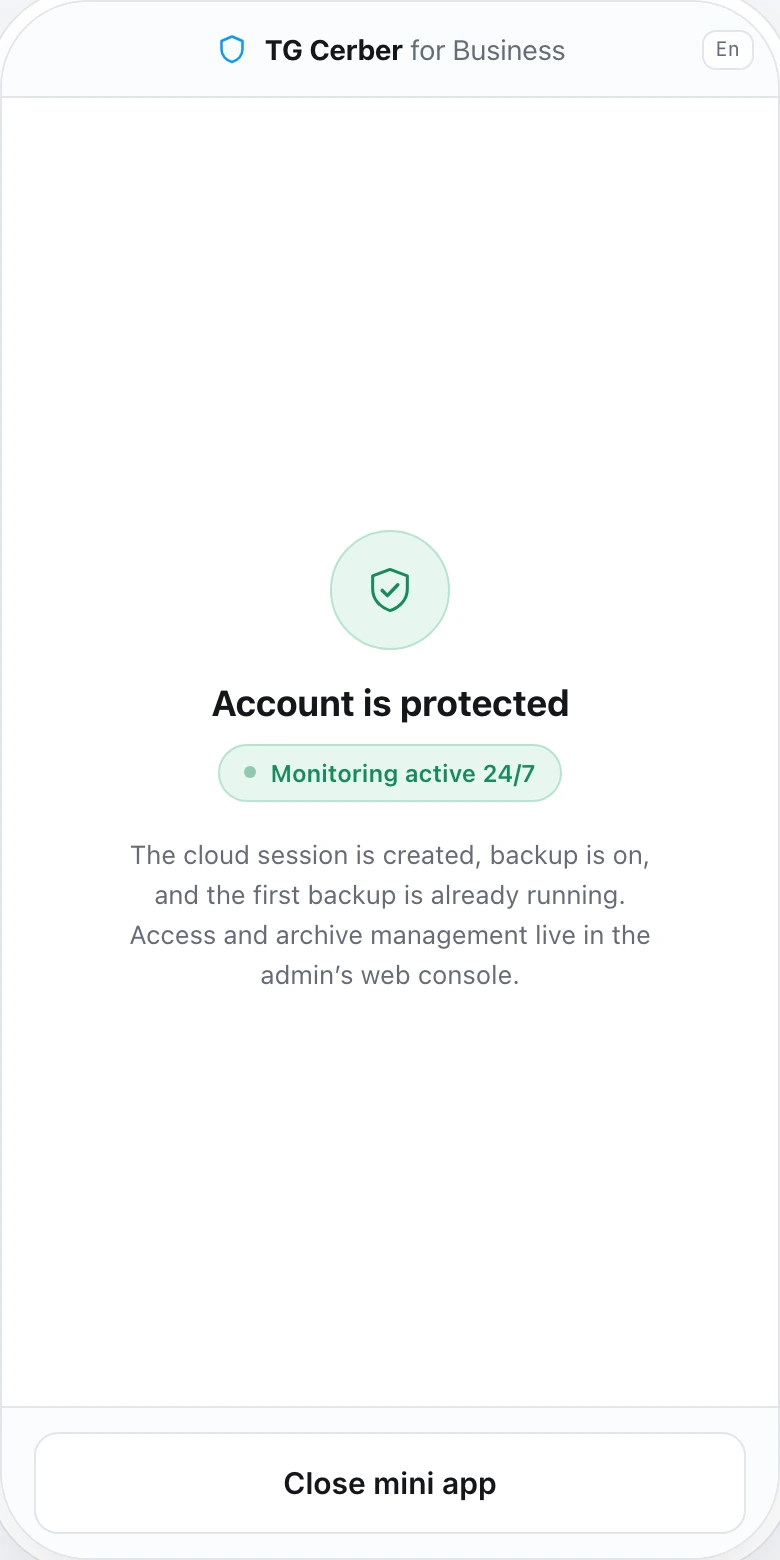
Telegram mini app. Nothing to install.
BOUNDARIES
Access to the archive stays with your company. The live session runs within defined boundaries, is always visible and is terminated by you.
ARCHIVE
LIVE SESSION
Unlock the archive with its separate password.
A fixed set of operations only.
The archive can be opened to AI or kept closed.
The session appears among devices and is terminated in one action.
DEPLOYMENT
On request, we deploy the Cerber infrastructure on the company's own servers. The archive, keys and sessions stay inside your perimeter.
Discussed individually at the implementation stage.
HOW THE WORK STARTS
Register your company, verify your email and enter the platform.
Connect up to 5 Telegram accounts during your trial.
Approve trusted devices, set an archive password and choose chats to save.
Explore saved conversations as they become available in your archive.
START WITH A FEW WORK ACCOUNTS
Connect your work accounts, save the conversations that matter and try your first question with your AI.
Protect + Archive included. No card required.
Included in your trial
Let's start with your team
We'll show Cerber on your scenarios and identify which accounts to protect first.
FAQ


